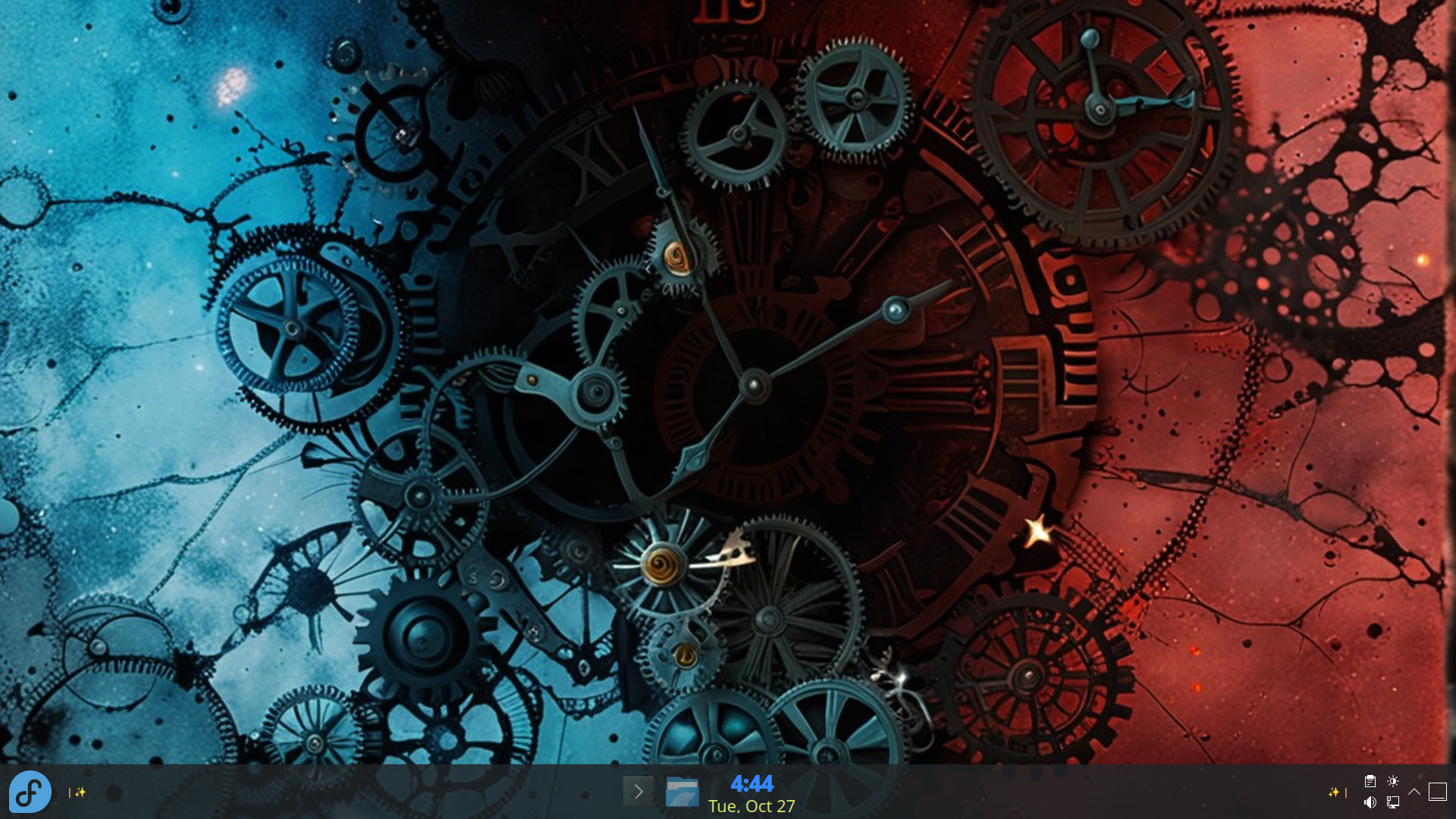
Clock
Create a clock that looks and works however you want it to.
Organize it. Customize it. Create something extraordinary.
TaskManSync brings together running applications, persistent Launchers, custom layouts, Themes, Decorations, and hosted Plasma Widgets in one customizable KDE Plasma workspace.
Shape the way your applications are organized, transform the look of your taskbar, and create everything from useful information displays to imaginative interactive experiences. Whether you enjoy refining your desktop's appearance or inventing new ways to make it work, TaskManSync gives you the freedom to make it yours.
Your panels should not drift into different task orders. TaskManSync gives multiple TaskManSync taskbars a shared arrangement: drag an item on one participating taskbar, and the others follow. Running applications, permanent launchers, and Decorations share that workspace, so you can arrange them together.
TaskManSync gives you the tools to shape both the appearance and organization of your KDE Plasma workspace. Arrange applications, Launchers, and Decorations in a shared workspace, design reusable Regions Layouts, customize the look with Themes, and create your own visual experiences.
Add permanent application Launchers alongside your running applications. Arrange them wherever you want in your workspace, independently of whether the applications are currently running.
Create reusable layouts that define placement opportunities for applications, Launchers, and Decorations. New items can follow your layout automatically, or you can choose when to apply it to your existing workspace.
Create and save Themes to customize taskbar backgrounds, borders, and the appearance of running applications, Launchers, and Decorations. Choose your own colors or let TaskManSync follow your KDE Plasma theme.
Add custom Decorations alongside your applications and Launchers. Create useful information displays and distinctive visual designs that make your workspace uniquely yours.
Use TDML to create richly formatted Decorations with text styling, colors, sizing, and positioning. Give your taskbar information a more expressive appearance.
Create interactive and animated experiences, dynamic information displays, and custom visual effects with Lua-based Scripted Decorations.
Your taskbar doesn’t have to look like everyone else’s. Scripted Decorations can turn it into a useful display, an animated scene, or something completely your own.
The below examples and many more are included for you to play with, enhance, or change in any way to make them your own.
Create a clock that looks and works however you want it to.
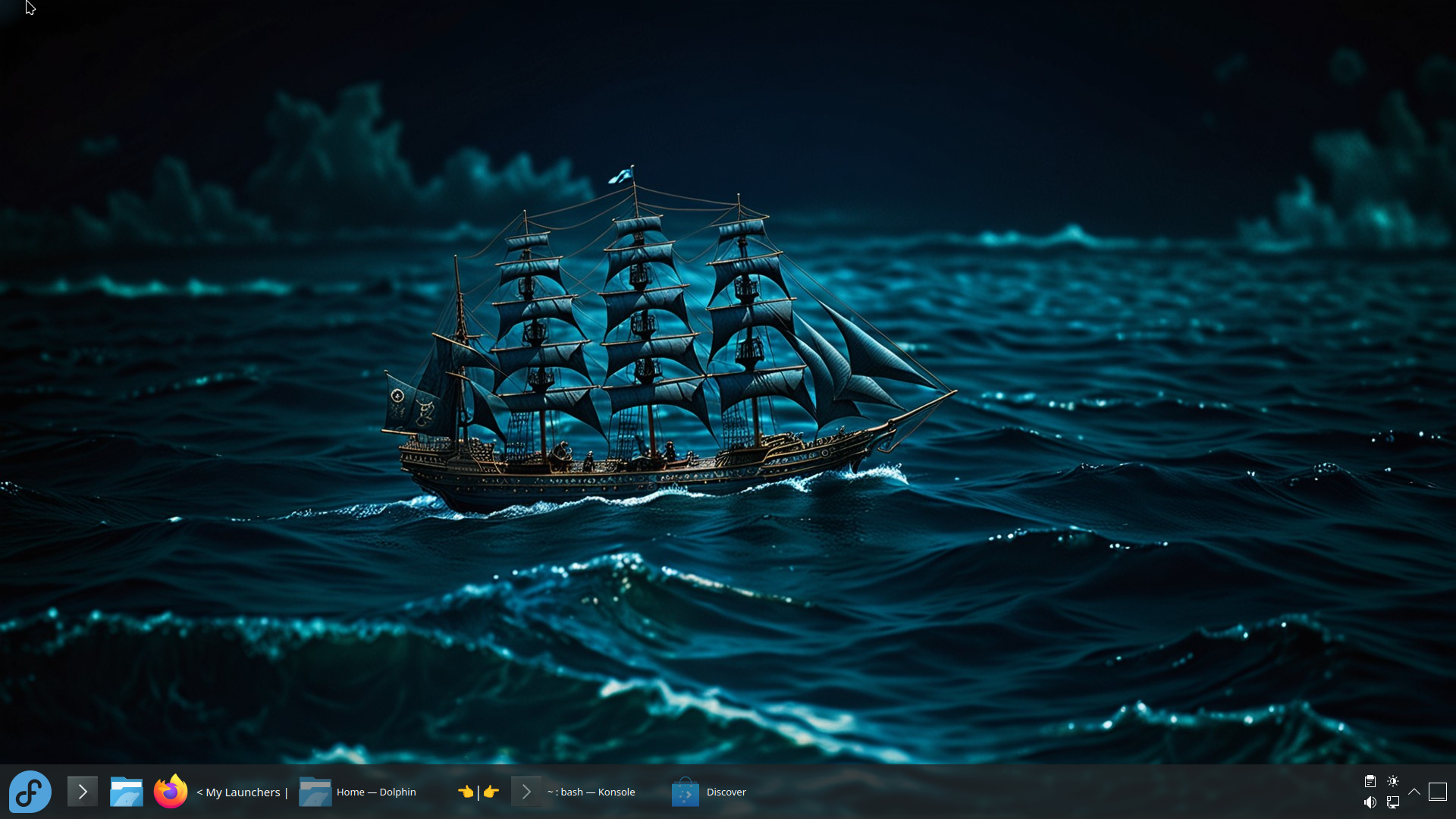
There are so many ways to make it look the way you want.
Go beyond a static label. Create taskbar displays that update, animate, respond to clicks, remember data, and perform useful actions. Scripted Decorations can power everything from clocks and countdowns to interactive displays and playful animated scenes.
TaskManSync provides a curated Lua API for text files, process execution, web requests, selected system information, and script-created windows—without requiring QML or access to internal Qt, KDE, or Plasma objects.
A relaxing underwater scene featuring swimming fish and a tranquil aquatic environment, bringing a touch of life to your desktop.
A peaceful animated winter landscape, brought to life on your taskbar. Note the gently falling snow in the scripted Lua decoration.
A script that displays the temperature and another with colorful geometric shapes that drift and rotate across the taskbar.
Your Scripted Decorations are not limited to the taskbar.
Hide individual items or entire categories whenever you want a cleaner, less cluttered taskbar. Applications remain open and workspace items remain intact, ready to be shown again whenever you need them.
Your KDE Plasma desktop can be more than a place to launch applications and manage windows. Make it a workspace that reflects your style, brings your ideas to life, and works the way you want it to.
Organize it. Customize it.
Create something extraordinary.